




Turn Your LG TV into a High-Performance Gaming PC
Enjoy GeForce NOW on your LG Smart TV without a gaming console or high-end PC.
-
 Play Instantly. No Downloads Required.
-
 Cloud gaming without a console
-
 Use your existing game accounts
What is GeForce NOW?
Stream Your Games, Anytime.
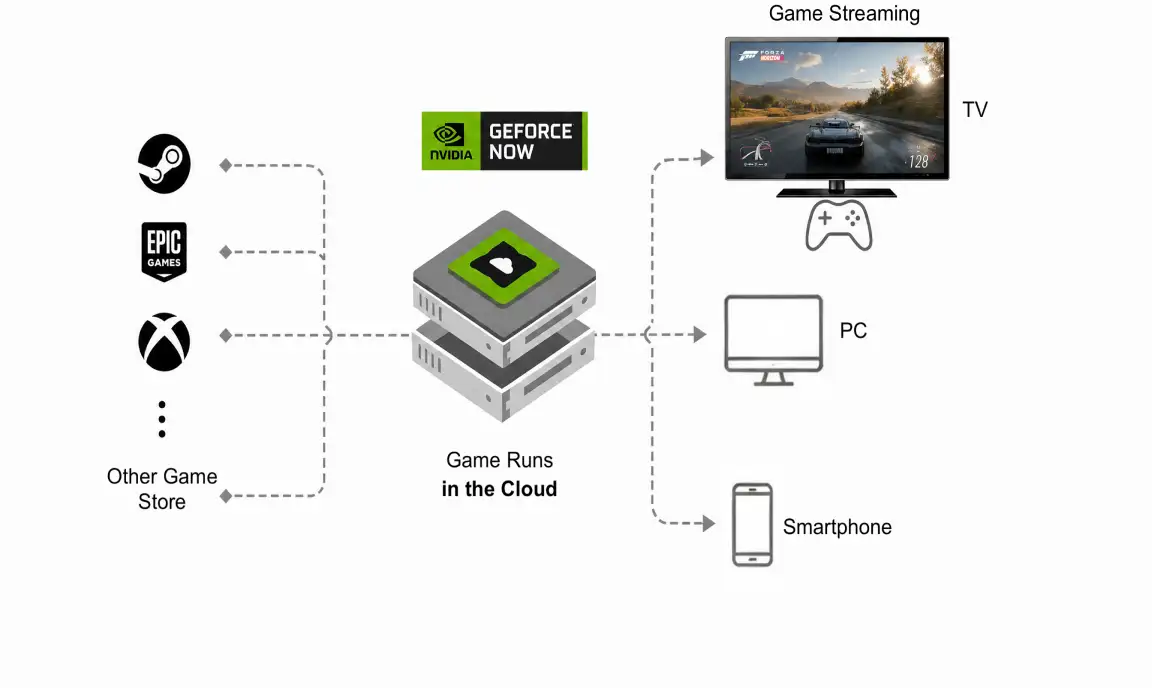
GeForce NOW is a cloud gaming service that runs games on high-performance cloud servers and streams only the gameplay to your device, such as your TV, over the internet.
-
 No installation required
-
No high-end gaming PC or console needed
-
Play instantly without downloading
Get Started Faster on Your TV
Please complete the following steps first.
About 5 minutes
-

Sign Up for GeForce NOW
We recommend creating your account on a PC or smartphone instead of using your TV.
-

Redeem Your Free Voucher*
Redeem the voucher sent to your phone and get a free 7-day Ultimate pass — enjoy the best settings/specs available
-
Connect Your Game Store
Connect your Steam, Epic Games Store, or other supported game store accounts in advance.
-
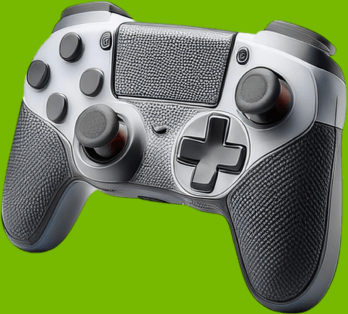
Prepare a Game Controller
Connect a Bluetooth or USB game controller to your TV.
*The voucher must be redeemed within 30 days of issue.
Now You're Ready to Play on Your TV
-
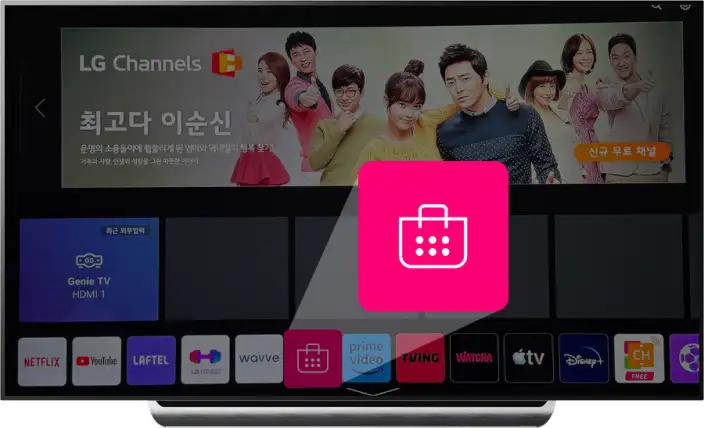
1. Open LG Content Store
From the Home screen app bar, select LG Content Store.
-
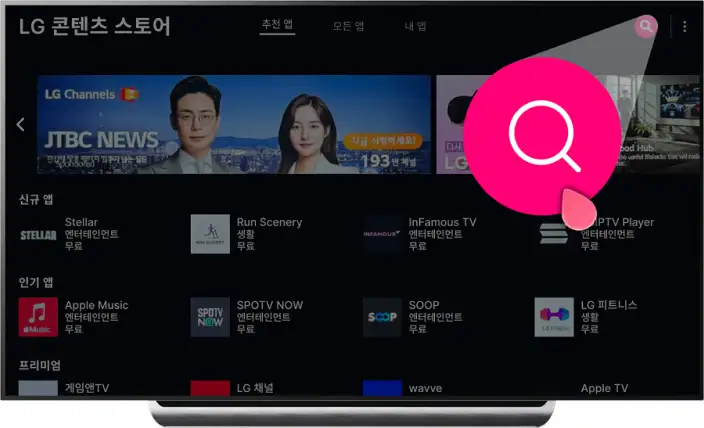
2. Open Search
To search for GeForce NOW, select the Search icon in the upper-right corner.
-
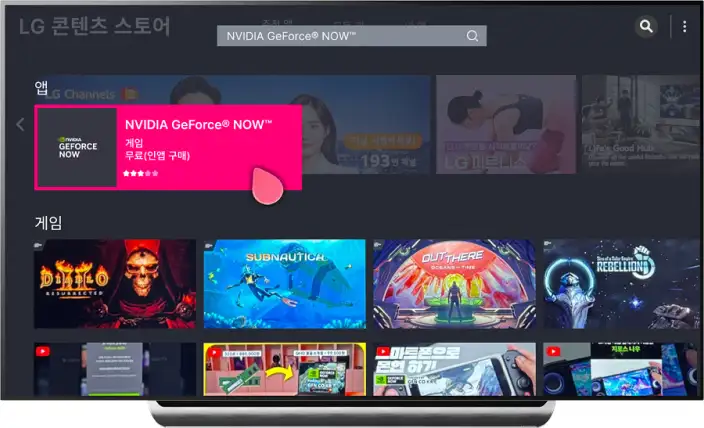
3. Find the GeForce NOW App
From the search results, select "NVIDIA GeForce NOW™".
-
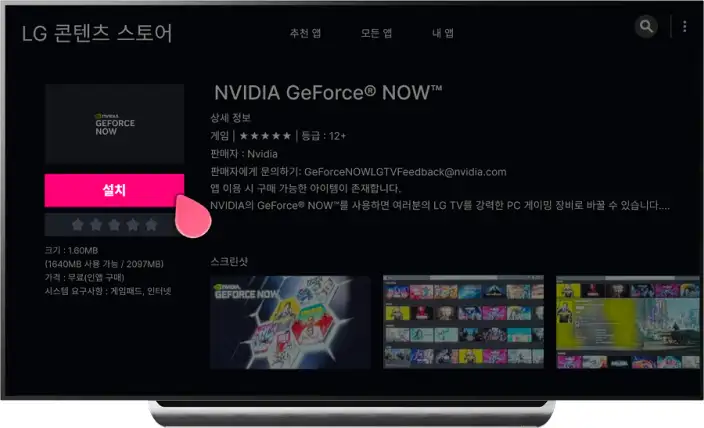
4. Install and Launch the App
Select "Install", then launch the app after the installation is complete.
-
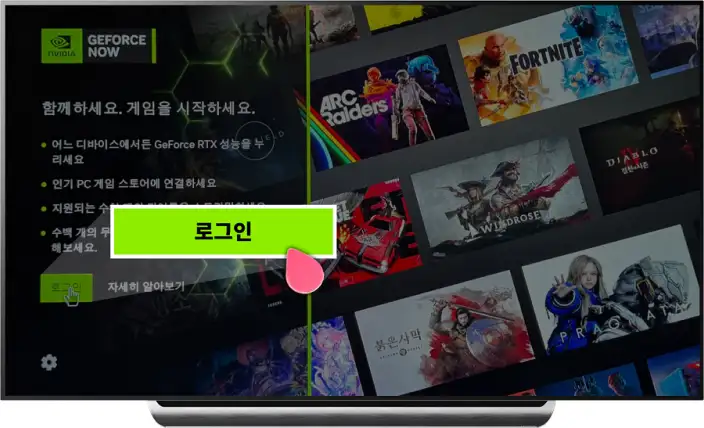
5. Sign In to the App
On the GeForce NOW sign-in screen, select “Log In”
-
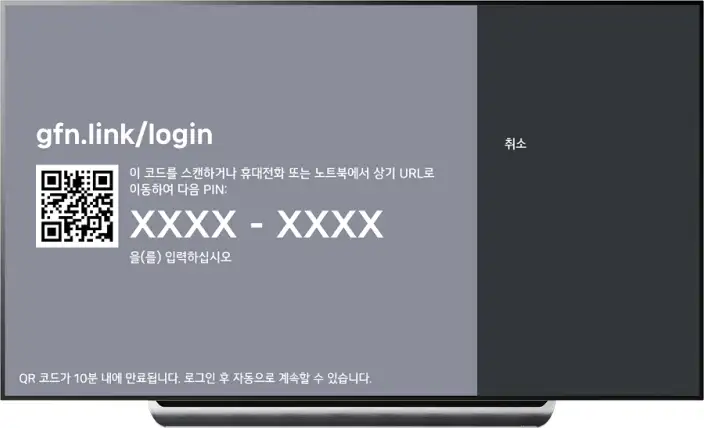
6. Sign In to Your Account
Scan the QR code, then sign using the PIN displayed on the screen. Notes: A GFN.CO.KR account is required.
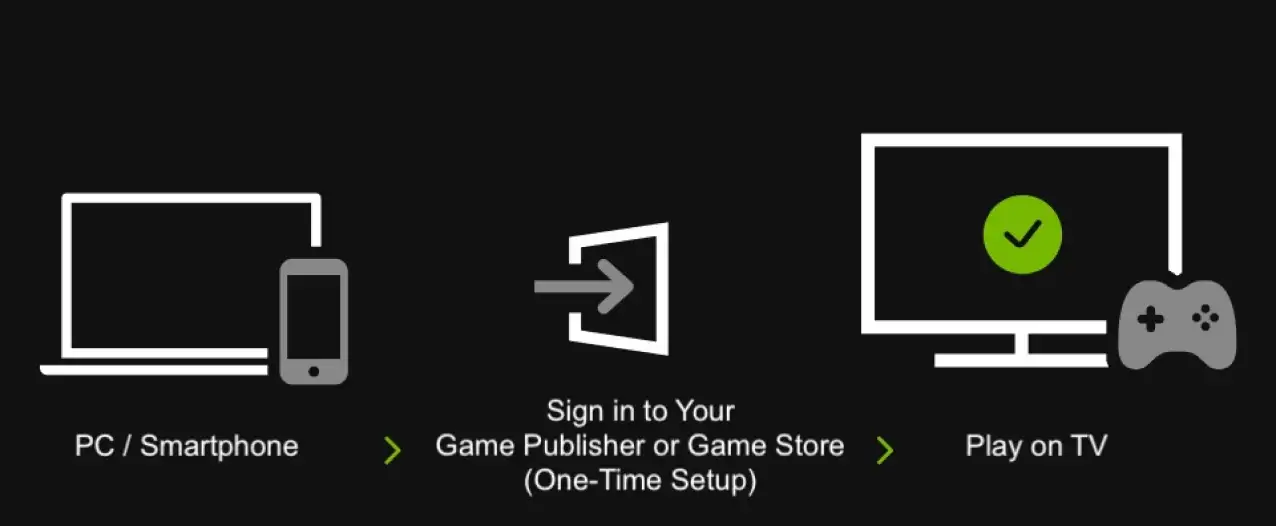
You may need to sign in to your game publisher or game store the first time you play.
Depending on the game, a one-time login to your game publisher or game store may be required.
- Connecting a Bluetooth keyboard and mouse to your TV makes signing in much easier.
- Alternatively, if you sign in once using GeForce NOW on a PC or smartphone, you can usually play on your TV afterward without signing in again.
-

PC / Smartphone
-
Sign in to Your Game Publisher or Game Store (One-Time Setup)
-
play on TV

Some games are not available on TV. Some games do not support TV gameplay at the publisher's request.
Enjoy GeForce NOW Your Way
-
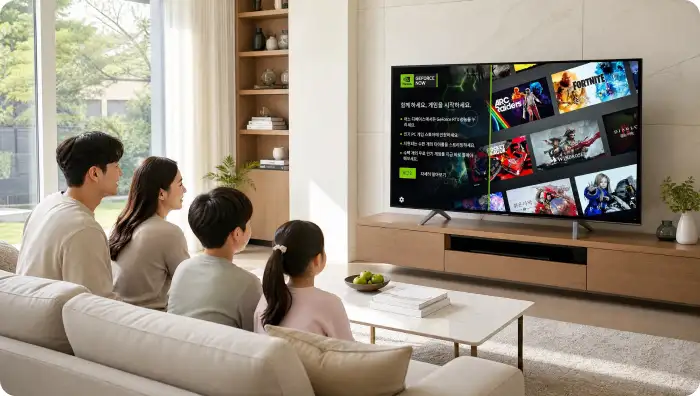
Big-Screen Gaming with Family
Enjoy immersive gaming together on the big screen in your living room.
-
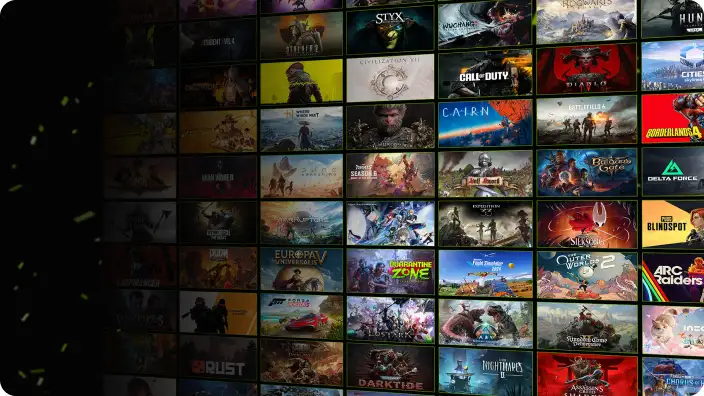
Play the Latest Games Without a Gaming PC or Console
Experience the newest games without expensive hardware or complicated setup.
-
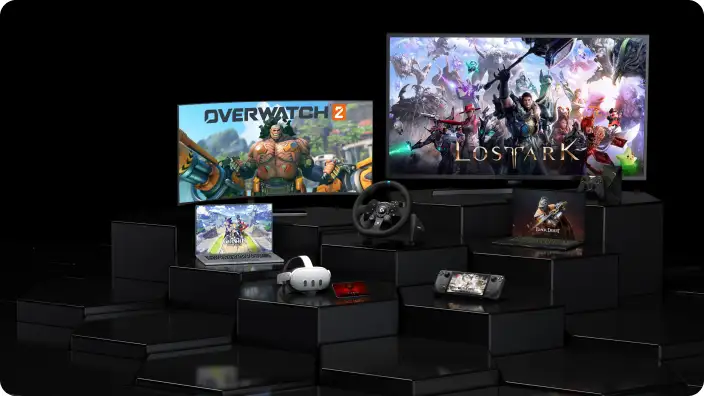
Continue Playing on Any Device
Pick up where you left off on your PC, mobile device, or other supported devices.
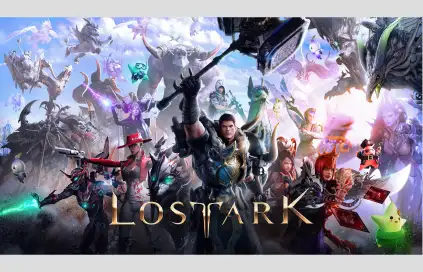
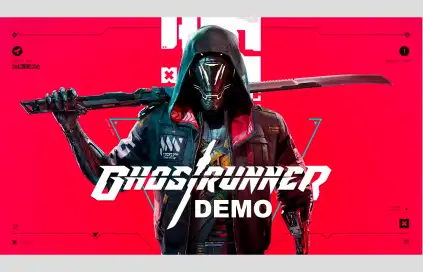
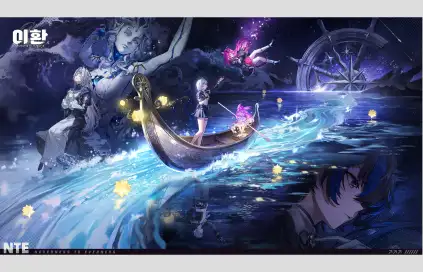
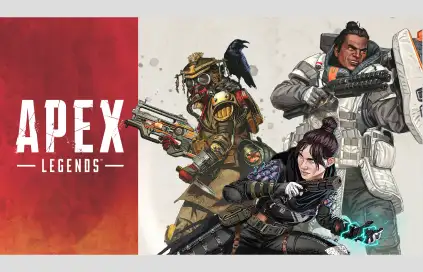
Enjoy Free-to-Play Games Too
See More Supported Games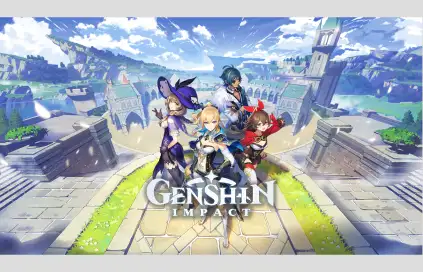
Frequently Asked Questions
Ready to Play?
Redeem your free voucher and start playing GeForce NOW on your LG TV today.